

Description
Downloads
User Manual
DMX-Chart
Technical Information
Avolites Training Tutorials
Capture
Fixture Library
Manufacturers Page
Detailed description
- Use the Remote App to create the building blocks for your show.
- Get a highly accurate position of fixtures on stage by moving around on stage with a tablet. Then program the show around the key building blocks.
- An obscured view from the front of house position means you cannot accurately position fixtures on the stage for key blocks e.g. Drums or Keyboard positions.
- Touring shows, where the rig is continuously changing and makes moving large consoles around to front of stage each day impractical.
- Being able to be in two places at once, with your console at front of house and you connected to it from the stage.
- Gives the flexibility of programming looks on the fly, without having to keep going back and forth from the stage to the console.
Features
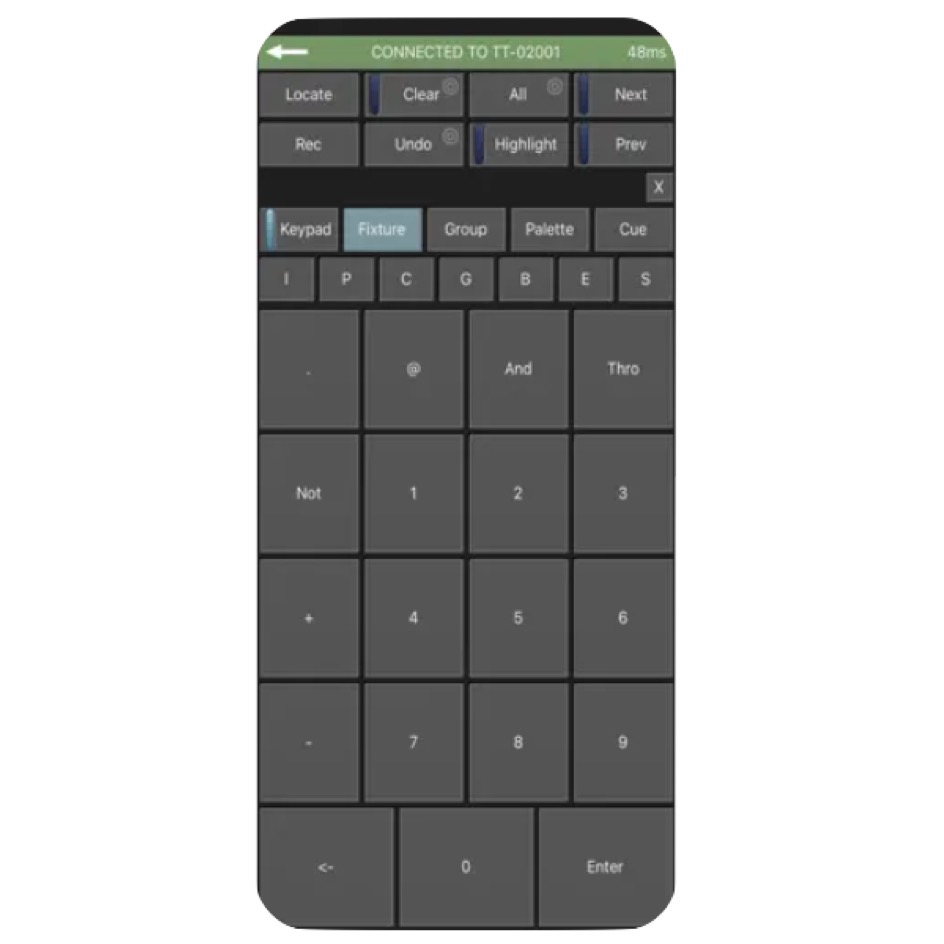
- Select and control fixtures
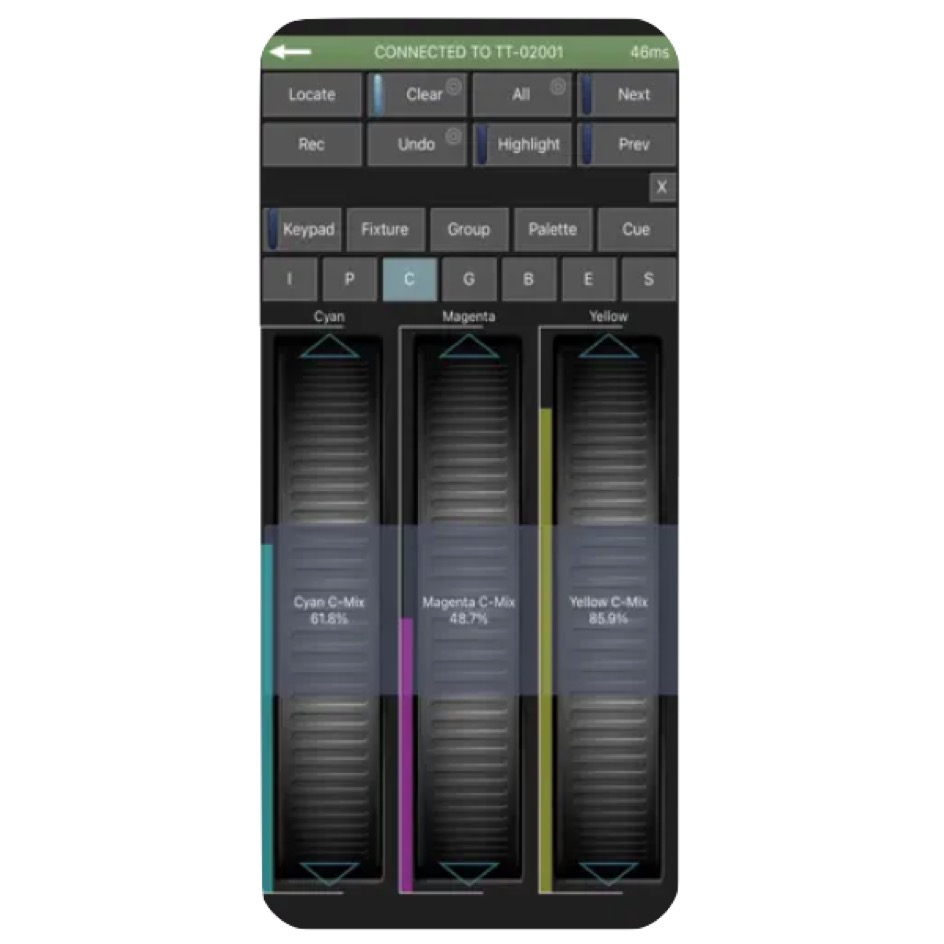
- Change or modify fixture attributes such as PAN or TILT
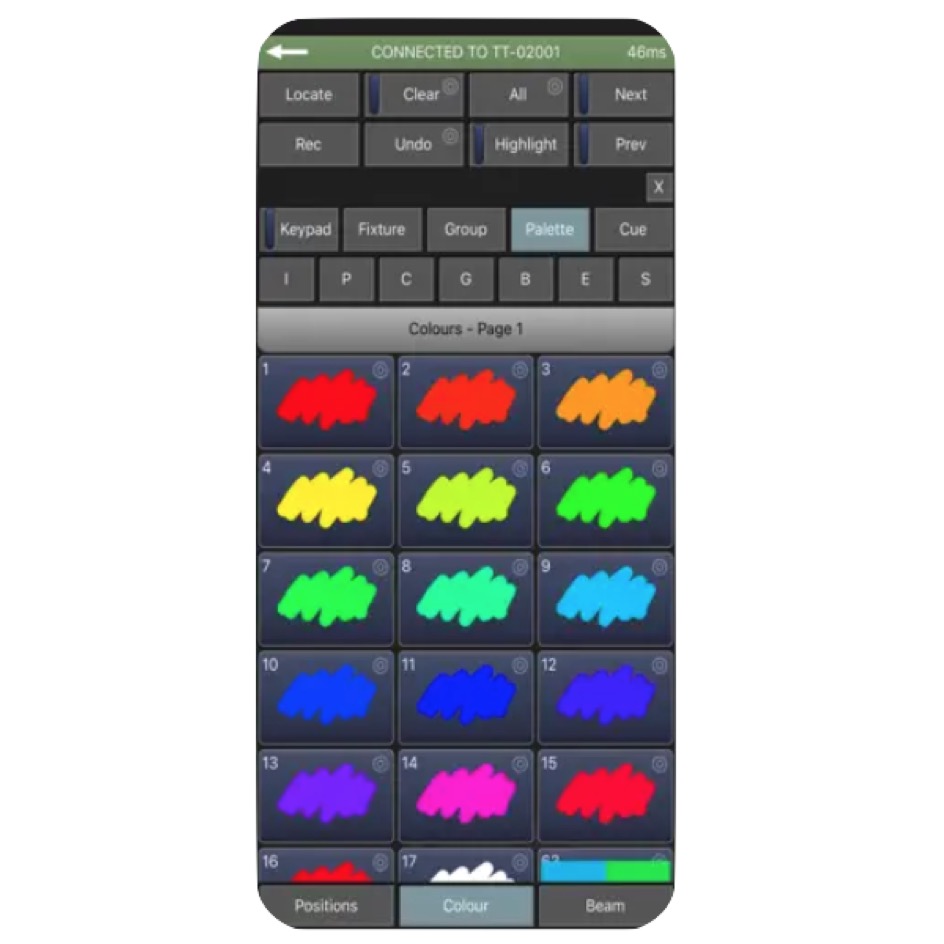
- Update and create Palettes
- Apply Palettes
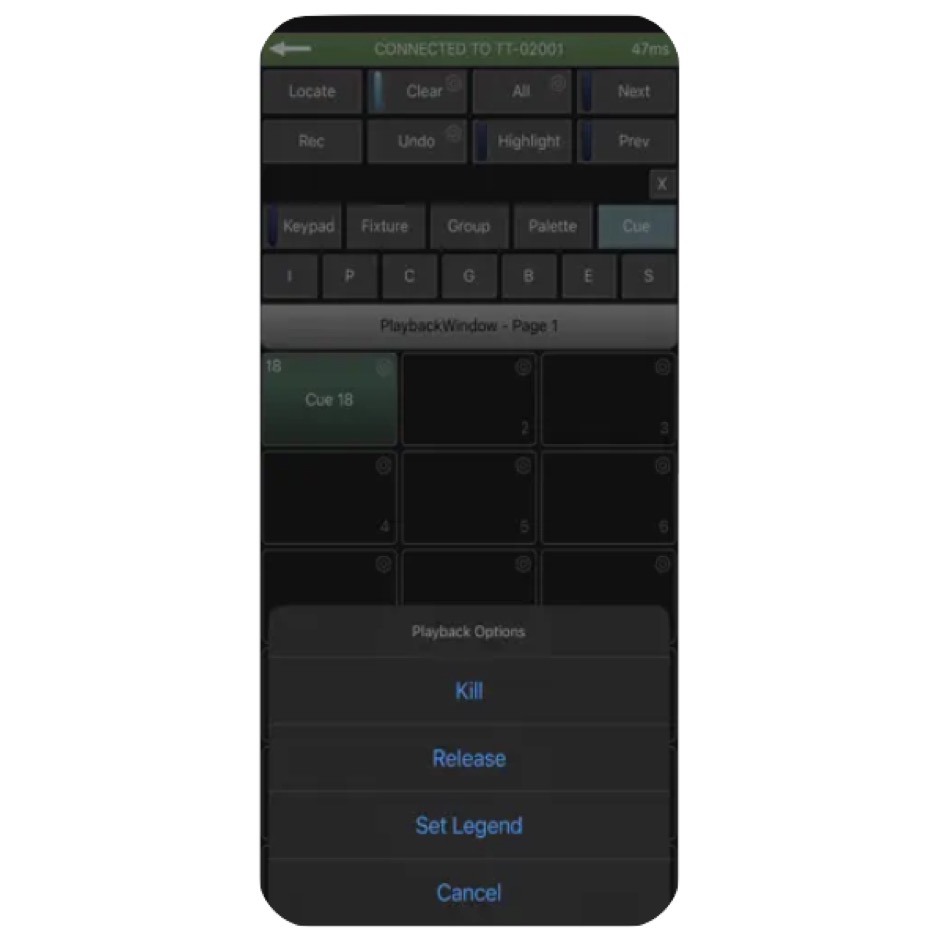
- Record and Play Cues
- Command style fixture selection and intensity control
- Quick Sketch Legends
- View DMX Address Patch
- set legend on handles
- new scribble editor
- different screen views e.g. quad layouts to have all the workspaces open at once. All you need on one screen, touch scrolling.
- Now more tablet friendly:
- Optimised layouts
- Optimised for a tablet screen.
- Light and dark mode.
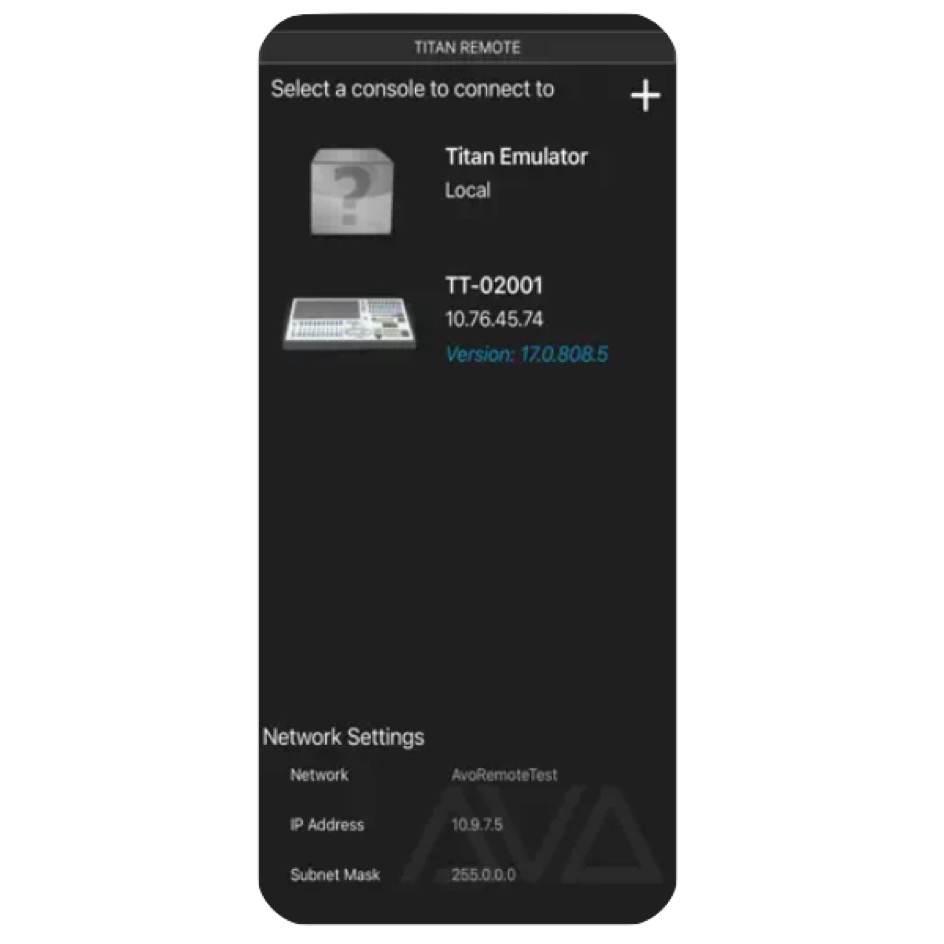
- Discovering the console manually using the console IP Address
- Record and Store groups
- Record playbacks
- Pattern selection – Choosing fixtures by holding down All button
- Using pan to manipulate fixtures – pinch and zoom gesture control